






One click in Salesforce. Email and phone, verified.

A demo of the Cleanlist AI Chrome extension inside Salesforce. On Marcus Vale's contact record the rep presses Enrich with Cleanlist; the waterfall returns a verified work email and a phone number, writes them to the record, and Salesforce confirms that the contact was enriched by Cleanlist. The side panel then lists the people at Omni and adds three of them to the list Series B sales leaders.




 Levon Adamyan
 Cleanlist
10,000+ users, from founders to full sales teams
- Switched from
 ZoomInfo
 - Case study
 HackerOneSwitched from
 Apollo
- Switched from
 Clay
Clay - Case study
 Sumo LogicSwitched fromClay
- Switched fromApollo
- Case study
- Switched fromZoomInfo
- Switched fromZoomInfo
 G2
G2 AppSumo
From profile URL to email and phone.
Press Reveal and the contact saves to your list.
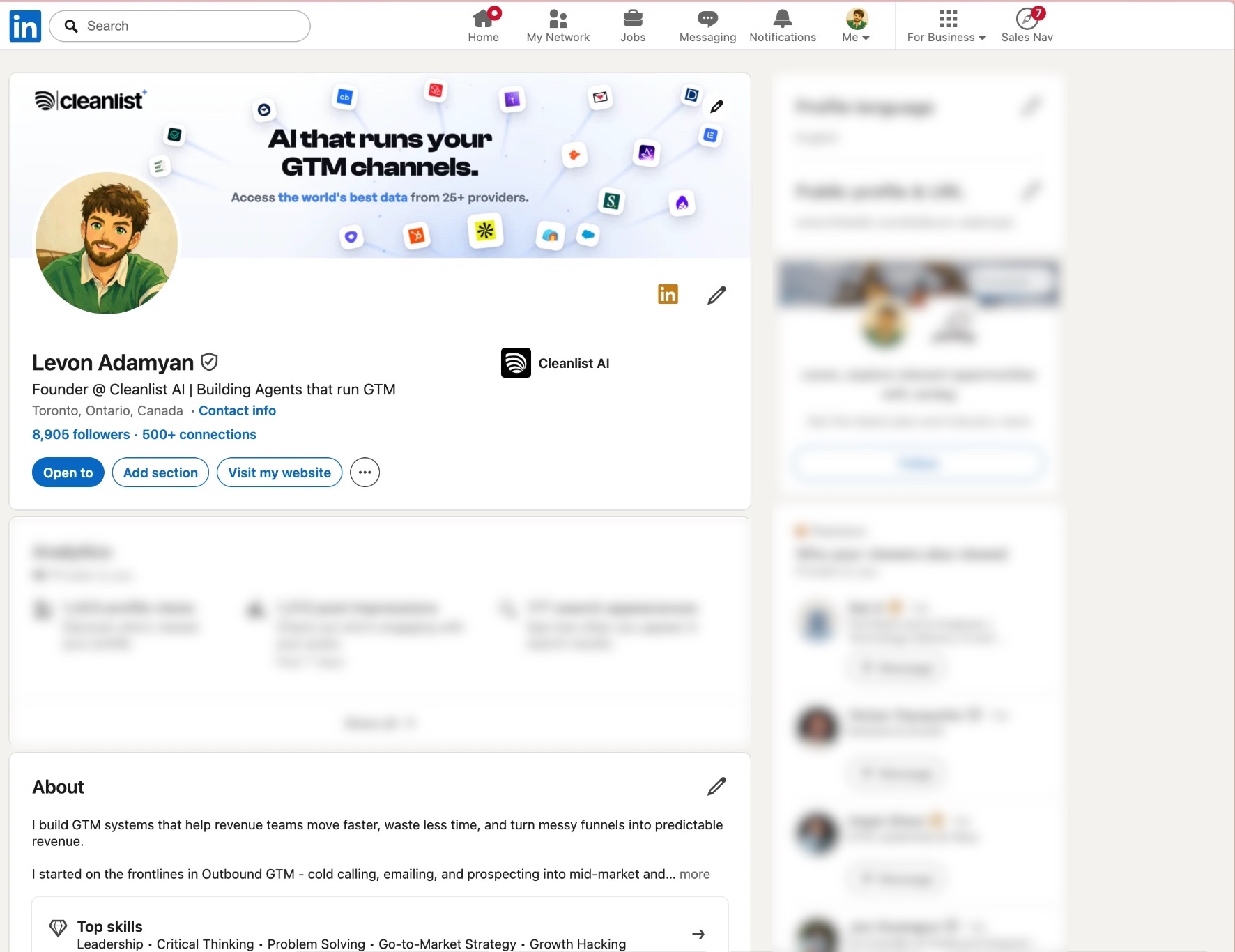
A demo of a profile reveal. With a LinkedIn profile open, the panel takes the profile URL as the identifier. The rep selects work email and phone and presses Reveal; Cleanlist AI checks its providers in turn, returns a verified work email and a mobile number, charges 11 credits and saves the lead to the list Series B sales leaders.
 Levon AdamyanFounder @ Cleanlist AIToronto, Ontario, Canada
Fill the record without leaving Salesforce.
Open an account and save its people as new contacts, searched across 1B+ profiles.
A demo inside Salesforce. On the Omni account page the Cleanlist AI panel lists four people at the account. The rep selects all four and saves them to Salesforce, and the account's Contacts list counts from zero to four. Below, a Cleanlist AI record syncs into a HubSpot contact, filling email, mobile phone, job title, LinkedIn URL and city.
Only empty fields get filled.
Enrich a HubSpot or Salesforce list and the results go back onto the same records.
 Sync to HubSpot
Profiles, records, company sites. One list.
The list syncs to HubSpot or Salesforce and pushes to Salesloft or Lemlist.
A diagram of one lead list fed from three places: a LinkedIn profile URL, a company domain and a Salesforce record. Four leads land on the list Series B sales leaders. The list then syncs with HubSpot and Salesforce and pushes to Salesloft and Lemlist.
 Naomi Osei
 Distyl
 Yuki Tanaka
 Sanity
 Ben Trask
 Radar
Radar Ines Delacroix
 Decagon
 Sofia Marchetti
 WellSaid
 Aviva Roth
 Gamma
Gamma

One team balance. No extra licence.
Every rep draws from the same credits, at one price whether the first provider answers or the twentieth.
- Verified work email
- 1 credit
- Phone number
- 10 credits
- Both, on one contact
- 11 credits
A demo of the shared team wallet. Three people reveal contacts from the same balance of 9,248 credits. A verified work email costs 1, a phone number 10 and both 11. Two lookups return nothing. After six reveals the wallet has spent 23 credits.



Chrome extension questions.
Enriching a Sales Navigator CSVDoes the Cleanlist AI extension only work on LinkedIn?
No. It works on Salesforce contacts and accounts, company websites and LinkedIn profiles. Each time, Cleanlist AI asks its 25+ contracted data providers about the identifier you supply: the record, the company's domain or the profile URL.
What does a reveal cost?
A verified work email is 1 credit, a phone number is 10 and both on the same contact is 11. The price is the same however many of the 25+ providers it took.
Is the extension included on the free plan?
Yes. Every new workspace starts with 14 days of Pro (250 credits, 3 seats), then the Free plan at $0 for 50 credits a month. Paid plans are per seat: Starter at $49 with 750 credits, Pro at $89 with 1,500.
Do I need a licence for every rep?
No. The extension comes with every Cleanlist AI seat, and every seat adds its credits to one shared team balance.
Where do the contacts go?
Into a Cleanlist AI lead list, which syncs with HubSpot and Salesforce and pushes to Salesloft and Lemlist.

Open a contact with no phone number. Press Enrich.
Add Cleanlist AI to Chrome and try it on a real record.
14 days of Pro, free.